



Running large language models on your own machine has gone from a niche hobby to a mainstream workflow. If you want privacy, zero per-token costs, and offline access, the right local LLM tools make it surprisingly easy. In 2026, three options dominate the conversation: Ollama, LM Studio, and Jan. Each takes a different philosophy, and the best pick depends on whether you are a command-line developer, a GUI-first beginner, or a privacy purist. This guide breaks down how they compare on setup, performance, features, and use cases so you can choose with confidence.
Why Run LLMs Locally in 2026?
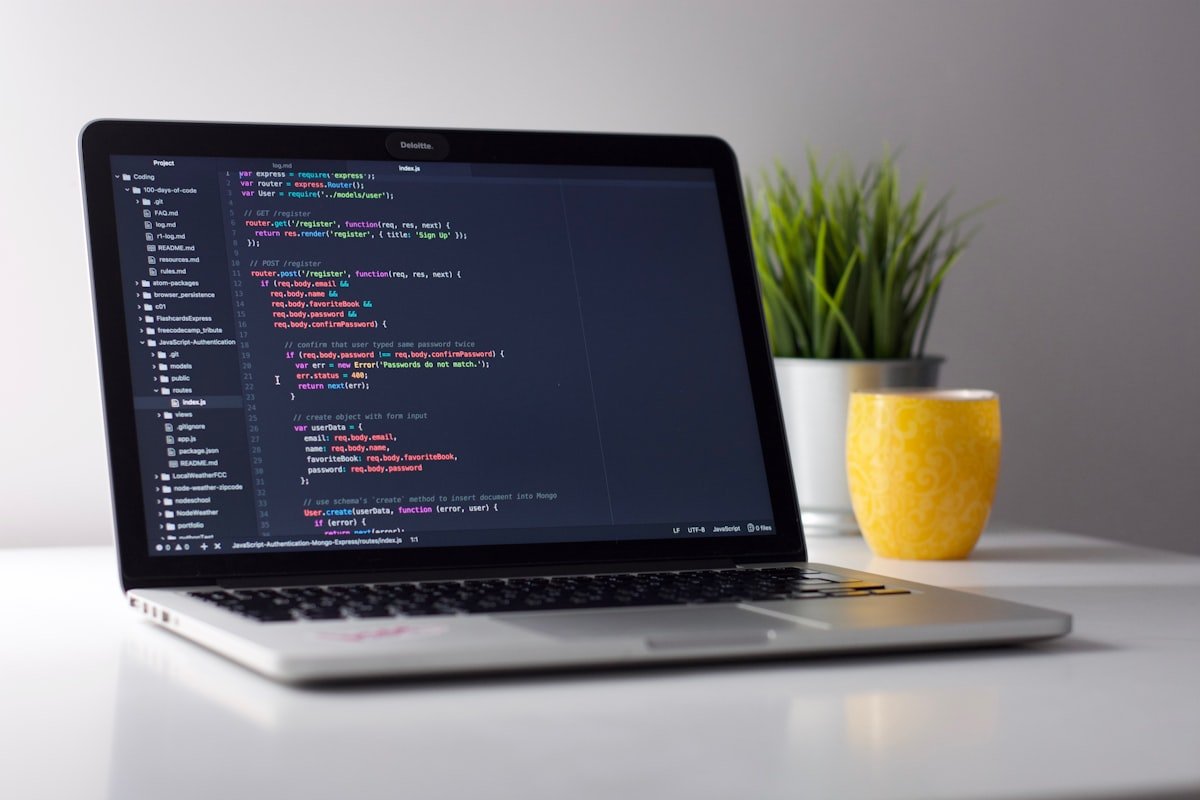
Cloud APIs are convenient, but local inference solves real problems. Your prompts and data never leave your device, which matters for regulated industries, proprietary code, and personal notes. There are no usage bills, so you can experiment endlessly. And once a model is downloaded, everything works offline. With consumer GPUs and Apple Silicon now fast enough to run capable 7B–14B models, local AI has crossed the line from “possible” to “practical.”
All three tools in this comparison run on the same underlying engine — llama.cpp — so raw token-generation speed is nearly identical across them. The real differences are in the experience: how you install, manage models, and integrate the model into your work.
Ollama: The Developer Default
Ollama is a CLI-first tool that has become the de facto standard for developers. Installation is a single command, and pulling a model is as easy as ollama run llama3.1. It exposes an OpenAI-compatible API on localhost, which means any library or app that talks to OpenAI can point at Ollama instead with a one-line change.
- Best for: developers integrating LLMs into scripts, apps, and pipelines.
- Strengths: instant setup, huge ecosystem of integrations, excellent Apple Silicon performance, lowest friction for automation.
- Trade-offs: no built-in chat GUI (though many front-ends like Open WebUI plug into it).
A common 2026 pattern is to run Ollama as the backend API server and layer a separate chat interface on top. That flexibility is exactly why it remains the right default for most engineers.
LM Studio: The Polished GUI
LM Studio is a desktop application built around a beautiful graphical interface. It includes integrated Hugging Face search, so you can browse, download, and run models without ever touching a terminal. Its standout feature is granular hardware control — you can tune GPU offload layers, context length, and threads from sliders — plus side-by-side model comparison that is genuinely useful when evaluating which model fits your task.
- Best for: beginners and anyone who prefers a point-and-click experience.
- Strengths: best out-of-the-box GUI, in-app model discovery, fine hardware tuning, OpenAI-compatible local server.
- Trade-offs: the codebase is proprietary, so you cannot audit or fork it.
Jan: The Privacy-First Open Platform
Jan positions itself as a complete local AI platform: a chat UI, an extension system, a model hub, and an API server all bundled together. It stores everything locally by default — models, chat history, settings, and extensions — with no telemetry, no required account, and no cloud dependency. Crucially, Jan is open source under the Apache 2.0 license, so you can audit exactly what it does or fork it.
- Best for: privacy-conscious users and teams with auditability or open-source licensing requirements.
- Strengths: fully local and open source, multiple independent API endpoints for parallel workflows, unified local-plus-cloud interface.
- Trade-offs: model management can be more manual, and the ecosystem is younger than Ollama’s.
Side-by-Side Comparison
| Feature | Ollama | LM Studio | Jan |
|---|---|---|---|
| Interface | CLI + API | Rich GUI | GUI + API |
| Best for | Developers | Beginners | Privacy/teams |
| Open source | Yes | No | Yes (Apache 2.0) |
| Model discovery | CLI registry | In-app HF search | Model hub / manual |
| OpenAI-compatible API | Yes | Yes | Yes (multi-endpoint) |
| Inference engine | llama.cpp | llama.cpp | llama.cpp |
How to Choose the Right Tool
If you write code and want to embed a model into apps or automation, start with Ollama — it has the lowest friction and the deepest ecosystem. If you are new to local AI and want a friendly interface with in-app model downloads and hardware tuning, choose LM Studio. If open-source transparency, auditability, or strict privacy is non-negotiable, pick Jan. Many power users combine them: Ollama as the always-on backend, with a GUI client for day-to-day chat.
Hardware matters too. For 7B models, 8 GB of VRAM or unified memory is comfortable; for 13B–14B models aim for 16 GB; and quantized formats like GGUF let you stretch larger models onto modest hardware with minimal quality loss. If you want to go deeper on model formats, see our guide on LLM quantization, and pair any of these tools with a solid retrieval setup from our RAG and vector database articles.

Frequently Asked Questions
Which local LLM tool is fastest?
Inference speed is nearly identical across Ollama, LM Studio, and Jan because all three rely on the same llama.cpp engine. Differences in real-world speed come down to your hardware, the quantization level, and how many GPU layers you offload — not the tool itself.
Are these local LLM tools free?
Yes. Ollama and Jan are open source and free, and LM Studio is free for personal use. The only cost is your hardware and electricity, since there are no per-token API fees.
Can I use Ollama and LM Studio together?
You generally run one server at a time per port, but a popular pattern is to use Ollama as the API backend and a separate GUI such as Open WebUI or Jan as the chat front-end. LM Studio is more of an all-in-one app, so most people use it on its own.
What hardware do I need to run local models?
A modern laptop with 16 GB of RAM can run 7B models comfortably, especially on Apple Silicon. A dedicated GPU with 8–16 GB of VRAM dramatically improves speed for larger models. Quantized GGUF models lower the memory bar further.
Conclusion
There is no single winner among these local LLM tools — the best choice maps to how you work. Ollama is the developer default, LM Studio is the friendliest GUI, and Jan is the open, privacy-first platform. The good news is that all three are free to try, so the smartest move is to download the one that matches your style and run a model today. Ready to go local? Pick a tool, pull a model, and start building private AI on your own machine.

